Can you customize an invoice without risking mistakes in the amounts?+
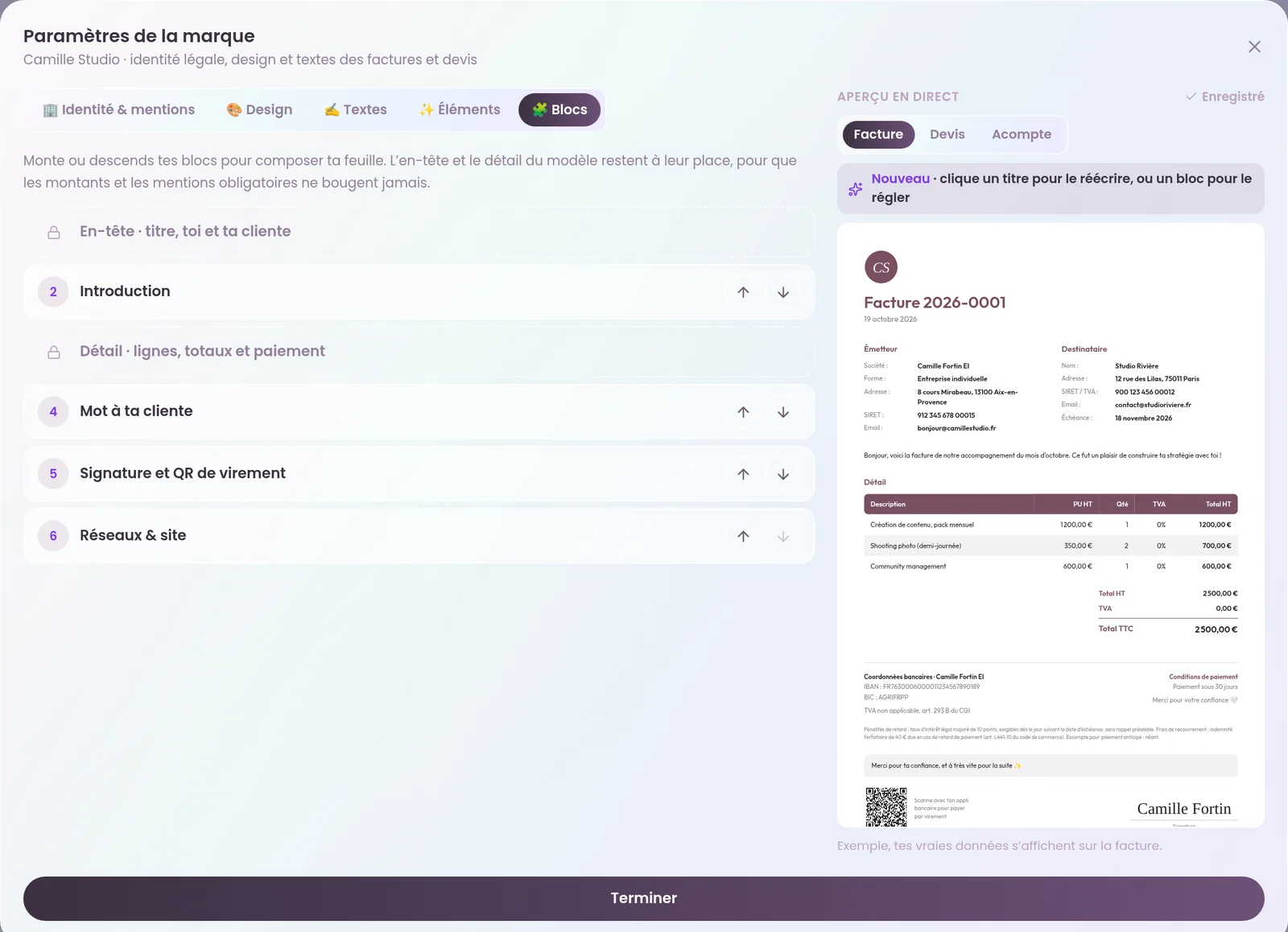
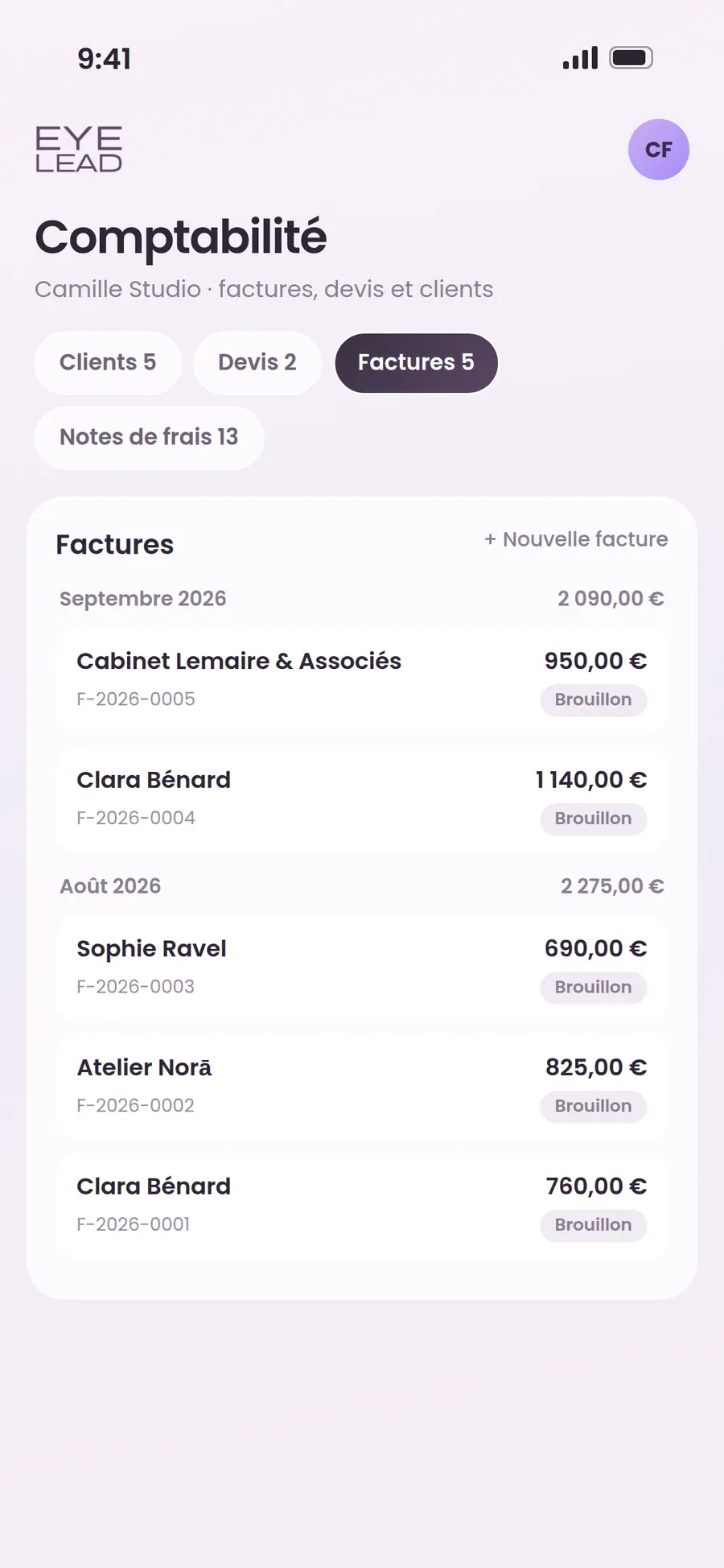
Yes. In EYE LEAD, you customize the presentation (template, colors, text, logo, blocks), but amounts, numbers, dates and legally required mentions are still calculated by the app and are never typed in by hand.
How do you add a payment QR code to an invoice?+
Enter your IBAN in your legal identity, then turn on “Bank transfer QR code” in the studio’s Elements tab. The QR code, in SEPA (EPC) format, appears on invoices that haven’t been paid yet, with the amount and reference pre-filled.
Can you have a different template for quotes?+
Yes. You choose a template for invoices and, if you wish, another for quotes and another for deposit invoices. Colors, text and elements are shared across all three.
Is the invoice studio included in every plan?+
Yes, document customization is available on every plan, starting with Solo. Only the number of invoices issued per month changes depending on the plan.